Free Opener 2.5.0.0 + Portable
This post was published 10 years ago. Download links are most likely obsolete. If that's the case, try asking the uploader to re-upload.
Free Opener 2.5.0.0 + Portable | 89,77 Mb/ 93,24 Mb
Free Opener supports a large number of file extension, including video, audio, document and image formats.Once you install this app, you will no longer need a PDF viewer, multimedia player or an app for opening compressed files.
Sometimes it can become rather difficult to find software that recognizes specific types of files. For instance, you can let the operating system try and find appropriate tools on the web but it cannot always deliver accurate results. On the other hand, maybe you don't have a current connection to the Internet.
Support for an abundance of formats
Free Opener intends to fix this problem. The tool is designed to support a wide range of file extensions, including video (e.g. AVI, SWF, MKV), audio (e.g. MP3), images (e.g. JPEG, GIF, TIFF, JPG), archives (e.g. ZIP, 7Z) and others (e.g. INI, LOG, ICO, RESX, MEG, SR2, CSS, NEF).
Open different file types on your computer. Open Microsoft Office documents, Adobe PDF Files, and many other image, movie, and music file types. No specialty software is required to open any of these file formats. With Free Opener, once you download the software, you no longer have to worry about opening files again. Opens 75+ file types on Windows including PDF, DOC, AVI, DOCX, ZIP, JAR, XML, HTML, SWF, 7Z, PHP, XLSX, MKV, FLV, XLS, JPEG, TXT, PSD, WMV, CR2, CRW, GIF, MSG, NEF, TIFF, JPG, MOV, MP4, LOG, PNG, CS, INI, MPEG, MPG, CSS, MP3, CFG, HTM, BMP, JS, XLSM, WA, ICO, REG, DNG, ARW, MID, ORF, RAF, PEF, RESX, CF2, ERF, MEF, MRW, SR2, X3F.
Easy to configure and put to good use
The tool is wrapped in a clean and intuitive interface whose layout is easy to figure out by users of any level of experience. Items can be imported via the file browser only, since the "drag and drop" functionality is not included, being a major disappointment.
A viewer and editor combined
Free Opener also provides some options for each file type. For example, you can use word processing tools and edit documents, as well as use graphic editing tools and make image modifications (e.g. rotate, resize, crop).
Additionally, you can use the copy, paste, undo and redo functions, zoom in and out, print content, find text, as well as go to the first, last, previous or next page (when these actions are permitted).
Suitable for most computer configurations
Free Opener lets you save any modifications that you make. The tool requires a decent amount of system resources, has a good response time and includes a help file. It did not freeze, crash or pop up error dialogs during our tests. Free Opener is certainly a necessary tool for any responsible user.
To sum it up
Taking everything into consideration, we can say that Free Opener fully lives up to expectations, being capable of nearly avery major file format out there. The only concern is whether or not more formats become compatible, but even so, it gets the job done flawlessly.
Whats New
Updates: official site does not provide any info about changes in this version
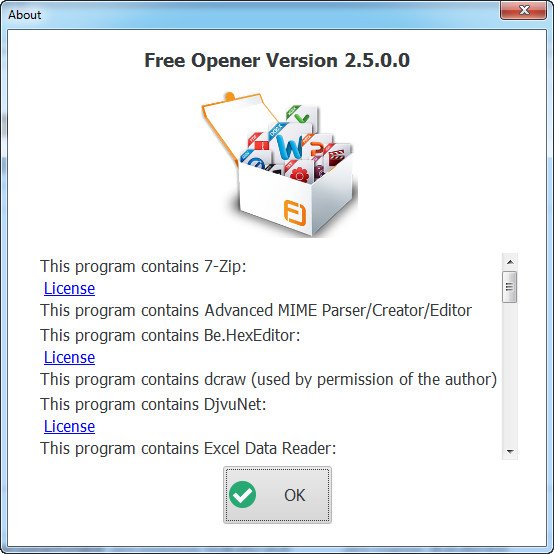
Screenshots
Download Links
Free Opener 2.5.0.0
Download from TurboBit.net
Download from Ul.to
Download from Nitroflare.com
Download from HomePage
Free Opener 2.5.0.0 Portable
Download from TurboBit.net
Download from Ul.to
Download from Nitroflare.com