How To Design A Kitchen With Sketchup And Layout
This post was published 3 years ago. Download links are most likely obsolete. If that's the case, try asking the uploader to re-upload.
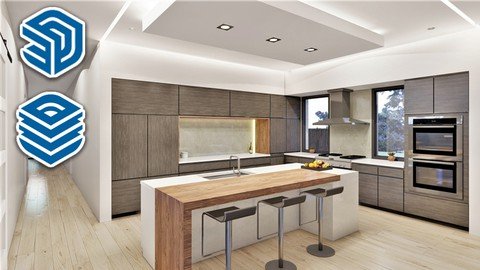
Last updated 1/2018
MP4 | Video: h264, 1280x720 | Audio: AAC, 44.1 KHz
Language: English | Size: 950.08 MB | Duration: 2h 43m
Learn how to quickly design a modern kitchen from start to finish with SketchUp and Layout
What you'll learn
At the end of this course students will be able to design their own kitchen plans
Requirements
Should have a basic knowledge of Sketchup
Description
In this course you will learn how to design a modern style kitchen from start to finish. This course is taught by Thomas Soltren, Thomas has been designing residential homes for over 20 years. You will learn a workflow system that will allow you to build a kitchen in a short time and contain all the necessary elements for construction. Once your model is designed in SketchUp we will go over how to import your model into Layout to create construction documents. You will also learn how to render your design using the free SketchUp plugin Twilight Render. Students who take this course will be able to design their own kitchen and also design kitchens for others. Topic covered in this course are:Preparing for designCreating Base CabinetsCreating Wall CabinetsCreating a oven cabinet and tall cabinetsHow to place cabinetsAdding countertopsInserting fixtures such as sinks, range, refrigerator and vent hoodHow to apply materialsAdding a backsplashRendering your scene with Twilight Render v2How to create and save scenes in SketchUpHow to insert your model in to LayoutHow to Dimension your Kitchen in LayoutHow to create elevations scenes in LayoutHow to create a cover page and printReady to master drawing Kitchens, Join to day and lets get started
Overview
Section 1: Introduction
Lecture 1 Getting started - how to prepare to design your kitchen
Lecture 2 How to create base cabinets
Lecture 3 How to create wall cabinets
Lecture 4 How to create tall cabinet and oven cabinets
Lecture 5 Placing base cabinets
Lecture 6 Setting wall cabinets
Lecture 7 Adding countertops
Lecture 8 Inserting fixtures and appliances
Lecture 9 Applying materials and decor
Lecture 10 Adding a backsplash
Lecture 11 Adding lighting from Twilight Render
Lecture 12 How to render a scene with Twilight
Lecture 13 How to create and save scenes
Lecture 14 How to insert your model into Layout
Lecture 15 How to dimension your kitchen in Layout
Lecture 16 How to create cabinet elevations in Layout
Lecture 17 How to create a cover page and print a plan set in layout
New to experienced users in Sketchup, Designers and Architects
Screenshots
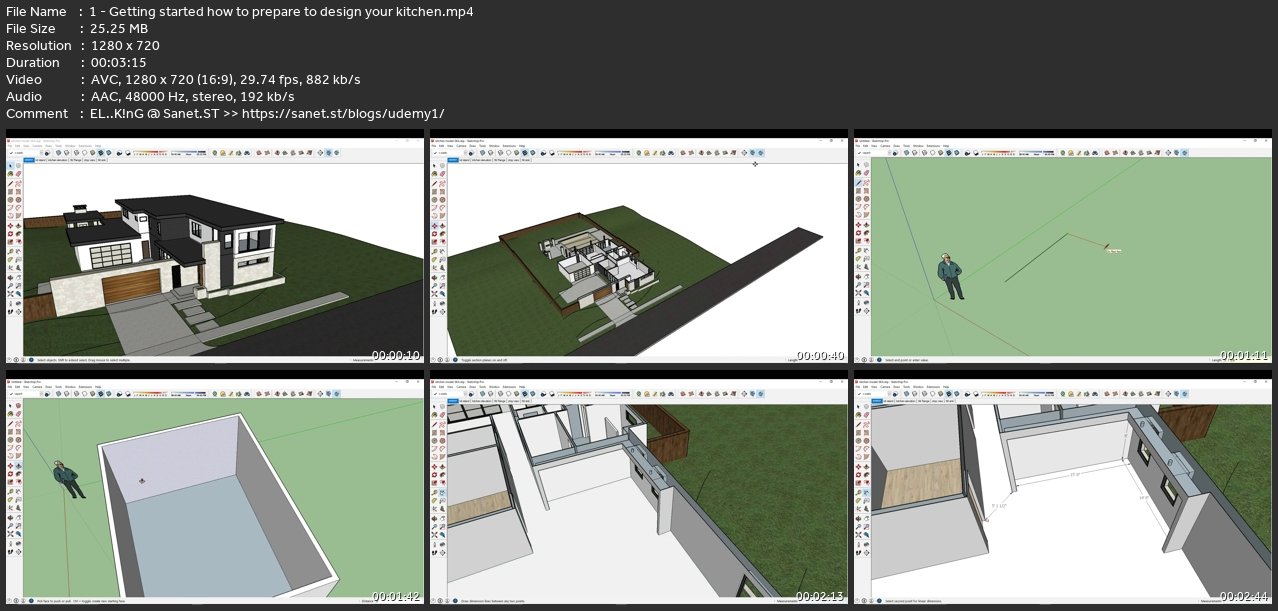
Homepage
without You and Your Support We Can’t Continue
Thanks for Buying Premium From My Links for Support
Click >>here & Visit My Blog Daily for More Udemy Tutorial. If You Need Update or Links Dead Don't Wait Just Pm Me or Leave Comment at This Post
Quick check before we show the links
Helps us keep automated scrapers from hammering the filehosts.