Planning And Control Using Microsoft Project 365 And 2021
This post was published 3 years ago. Download links are most likely obsolete. If that's the case, try asking the uploader to re-upload.
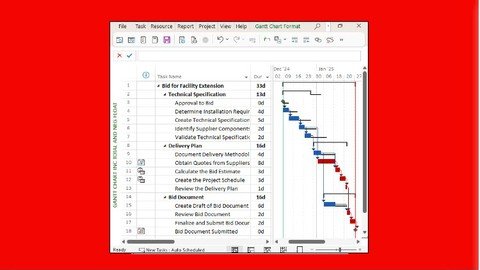
Published 3/2023
MP4 | Video: h264, 1280x720 | Audio: AAC, 44.1 KHz
Language: English | Size: 4.00 GB | Duration: 7h 33m
Plan and control projects with and without resources using Microsoft Project 365, 2021, 2019, 2016 or 2013.
What you'll learn
This course aims to teaching students how to plan and control projects with and without resources.
Takes you up to an intermediate level.
Suitable for Microsoft Project 365, 2021, 2019, 2016 and 2013.
Teaches you to update projects properly so you may manage a project with the schedule so complete work is in the past and incomplete work is in the future.
Teaches you to update projects properly so the schedule will be accepted for the substantalion of delay claims.
Requirements
Students should be working in a project environment and understand how projects are planned and controlled.
Students should have knowledge of the following subjects project management processes, how to plan a project including the development of a Work Breakdown Structure and experience in the use of PCs and an understanding of the operating system.
Students should have experience in the use of PCs and an understanding of the operating system.
Description
This course aims to teaching students how to plan and control projects with and without resources up to an intermediate level using Microsoft Project 365, 2021, 2019, 2016, 2013.The course shows how to update a project schedule properly, with completed work in the past and incomplete work in the future; resulting in the ability to:- Manage a project with the schedule and - Be able to demonstrate delay and acceleration with the schedule.This course aim to teach participants:- The user interface and how to create projects,- Scheduling projects without resources,- Filters layouts, printing, baselines,- Updating an un-resourced project,- Creating and assigning roles and resources,- Controlling projects with resources and costs,- Tools and utilities.Students should be working in a project environment and understand how projects are planned and controlled. This includes knowledge of the following subjects:- Project management processes,- How to plan a project including the development of a Work Breakdown Structure,- Experience in the use of PCs and an understanding of the operating system.The course is delivered in a classroom using the following technique:- The instructor demonstrates the functions of the software using a PowerPoint presentation and using the software live module by module, and- At the end of each module the students complete a workshop that reinforces the topics learned in the module.The following people should consider attending this course:- Project managers and schedulers who wish to learn how to use the software to schedule and control projects.- Programme Managers, Project Managers and Project Control staff evaluating the software against their organizational requirements.
Overview
Section 1: Introduction
Lecture 1 Introduction, Course Agenda and Understanding the Student Workshops
Lecture 2 Module 01 - Introduction
Section 2: Module 2 - Creating a Project Schedule
Lecture 3 Module 02 - Creating a Project Plan
Section 3: Module 3 - Navigation and Setting the Options
Lecture 4 Module 03 - Navigation and Setting the Options
Lecture 5 Workshop 01 - Navigation and Setting Your Project Options
Section 4: Module 4 - Creating Projects and Templates
Lecture 6 Module 04 - Creating Project and Templates
Lecture 7 Workshop 02 - Creating Project and Templates
Section 5: Module 5 - Defining Calendars
Lecture 8 Module 05 - Creating Calendars
Lecture 9 Workshop 03 - Maintaining Calendars
Section 6: Module 6 - Adding Tasks
Lecture 10 Module 06 - Adding Tasks
Lecture 11 Workshop 04 - Ading Tasks
Section 7: Module 7 - Organizing Tasks Using Outlining
Lecture 12 Module 07 - Organsing Tasks Using Outlining
Lecture 13 Workshop 05 - Entering Summary Tasks
Section 8: Module 8 - Formatting the Display
Lecture 14 Module 08 - Formatting the Display
Lecture 15 Workshop 06 - Formatting the Bar Chart
Section 9: Module 9 - Adding Task Dependencies
Lecture 16 Module 09 - Adding Task Dependencies
Lecture 17 Workshop 07 - Adding the Relationships
Section 10: Module 10 - Network Diagram View
Lecture 18 Module 10 - Network Diagram View
Lecture 19 Workshop 08 - Schedule Calculations
Section 11: Module 11 - Constraints
Lecture 20 Module 11 - Constraints
Lecture 21 Workshop 09 - Constrants
Section 12: Module 12 - Filters
Lecture 22 Module 12 – Filters
Lecture 23 Workshop 10 - Filters
Section 13: Module 13 - Tables and Grouping Tasks
Lecture 24 Module 13 – Tables and Grouping Tasks
Lecture 25 Workshop 11 - Reorganizing the Schedule
Section 14: Module 14 - Views and Details
Lecture 26 Module 14 - Views and Details
Lecture 27 Workshop 12- Organizing Your Data Using Views and Tables
Section 15: Module 15 - Printing and Reports
Lecture 28 Module 15 - Printing and Reports
Lecture 29 Workshop 13 - Printing
Section 16: Module 16 - Tracking Progress
Lecture 30 Module 16 - Tracking Progress
Lecture 31 Workshop 14 - Updating the Schedule and Baseline Comparison
Section 17: Module 17 - Creating Resources and Costs
Lecture 32 Module 17 - Creating Resources
Lecture 33 Workshop 15 - Creating Resources
Section 18: Module 18 - Assigning Resources and Costs to TasksAssign Resources and Costs to
Lecture 34 Module 18 – Assigning Resources and Costs to Tasks
Lecture 35 Workshop 16 - Assigning Resources to Tasks
Section 19: Module 19 - Resource Optimization
Lecture 36 Module 19 – Resource Optimization
Lecture 37 Workshop 17 – Resource Graphs and Tables
Section 20: Module 20 - Updating Projects with Resources
Lecture 38 Module 20 – Updating Projects with Resources
Lecture 39 Workshop 18 - Updating a Resourced Schedule
Project managers and schedulers who wish to learn how to use the software to schedule and control projects.,Programme Managers, Project Managers and Project Control staff evaluating the software against their organizational requirements.
Screenshots
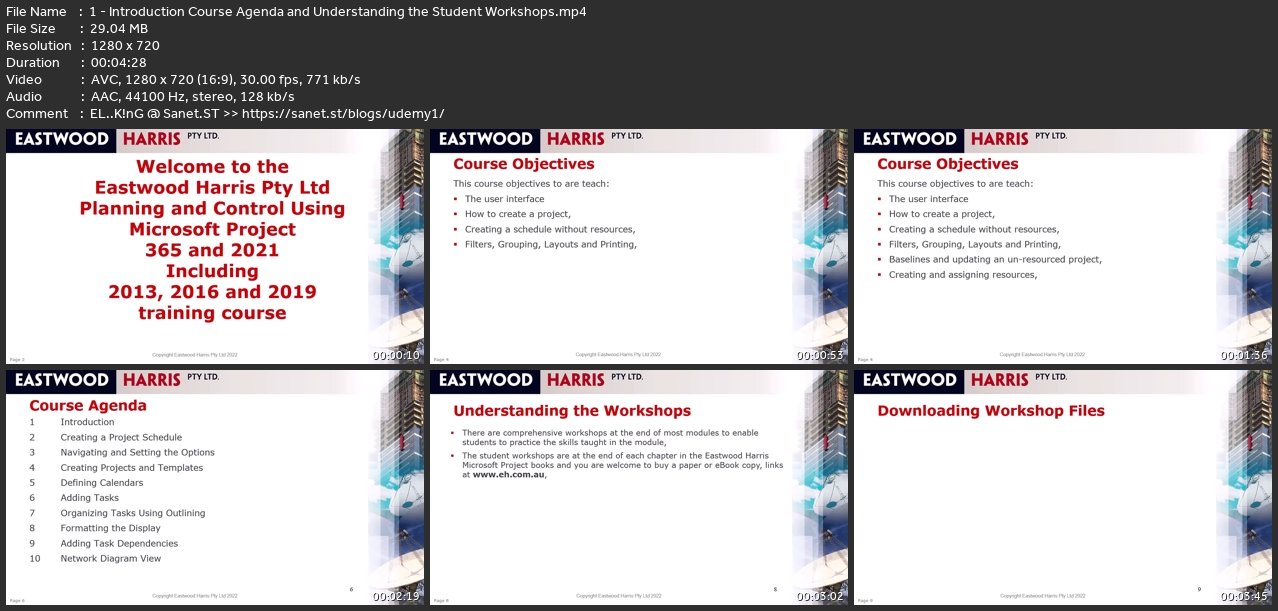
Homepage
without You and Your Support We Can’t Continue
Thanks for Buying Premium From My Links for Support
Click >>here & Visit My Blog Daily for More Udemy Tutorial. If You Need Update or Links Dead Don't Wait Just Pm Me or Leave Comment at This Post
Quick check before we show the links
Helps us keep automated scrapers from hammering the filehosts.