iOS 12 Development Essential Training: 2 Web Content, Views, and Distribution
This post was published 7 years ago. Download links are most likely obsolete. If that's the case, try asking the uploader to re-upload.

MP4 | Video: h264, 1280x720 | Audio: AAC, 48 KHz, 2 Ch
Genre: eLearning | Language: English + .SRT | + Exercise Files
Level: Beginner | Duration: 2h 8m | 331 MB
Take your iPhone and iPad apps to the next level. This course is the second of a two-part Essential Training series for new iOS developers. Here, instructor Todd Perkins shows how to use special features in Xcode and iOS 12 to build apps that really wow your users. He covers advanced user interface controls—such as alerts, sliders, and progress bars—and views for displaying web content. He also explains how to display ordered data in collection views and table view cells, and how to create tabbed applications with the tab bar controller and Master-Detail App template. Once your app is polished and ready for publication, Todd shows how to get it into the App Store with App Store Connect.
Topics include
Alert controllers and actions
Sliders, progress bars, and switches
Creating UI elements with code
Displaying web content with Safari view controllers and WKWebView
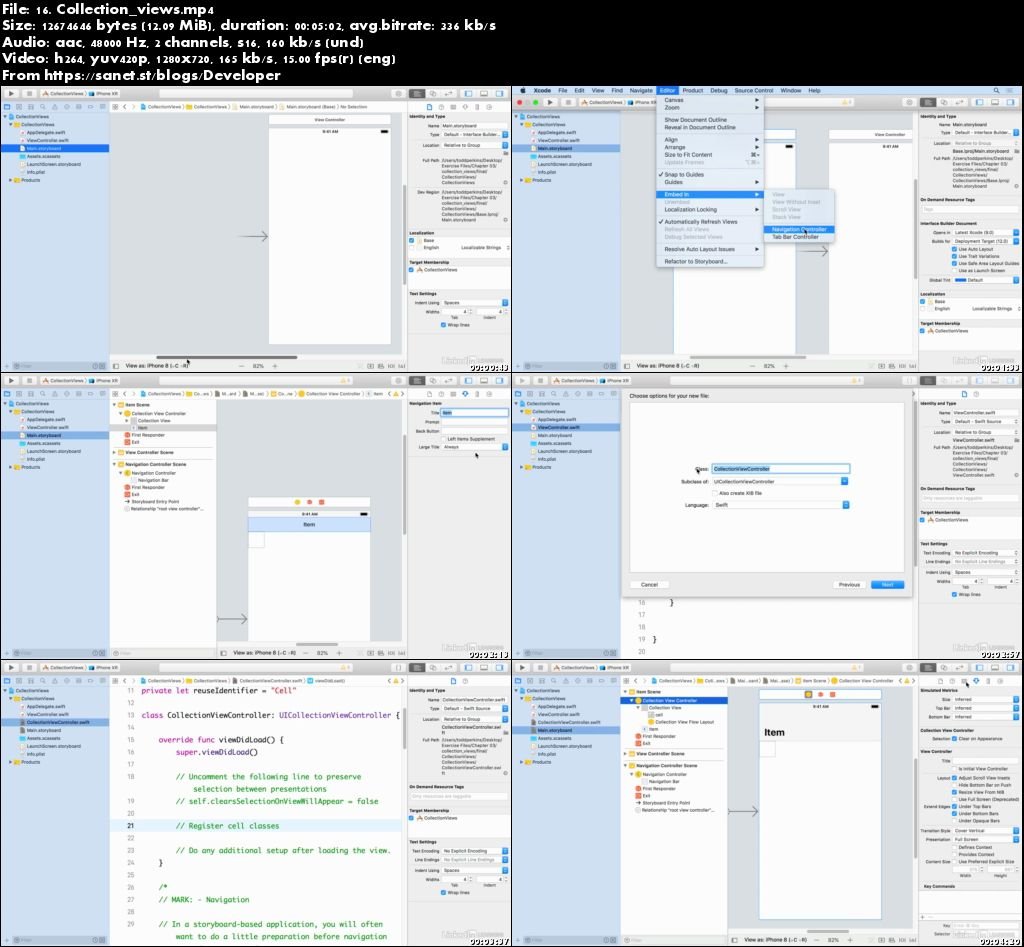
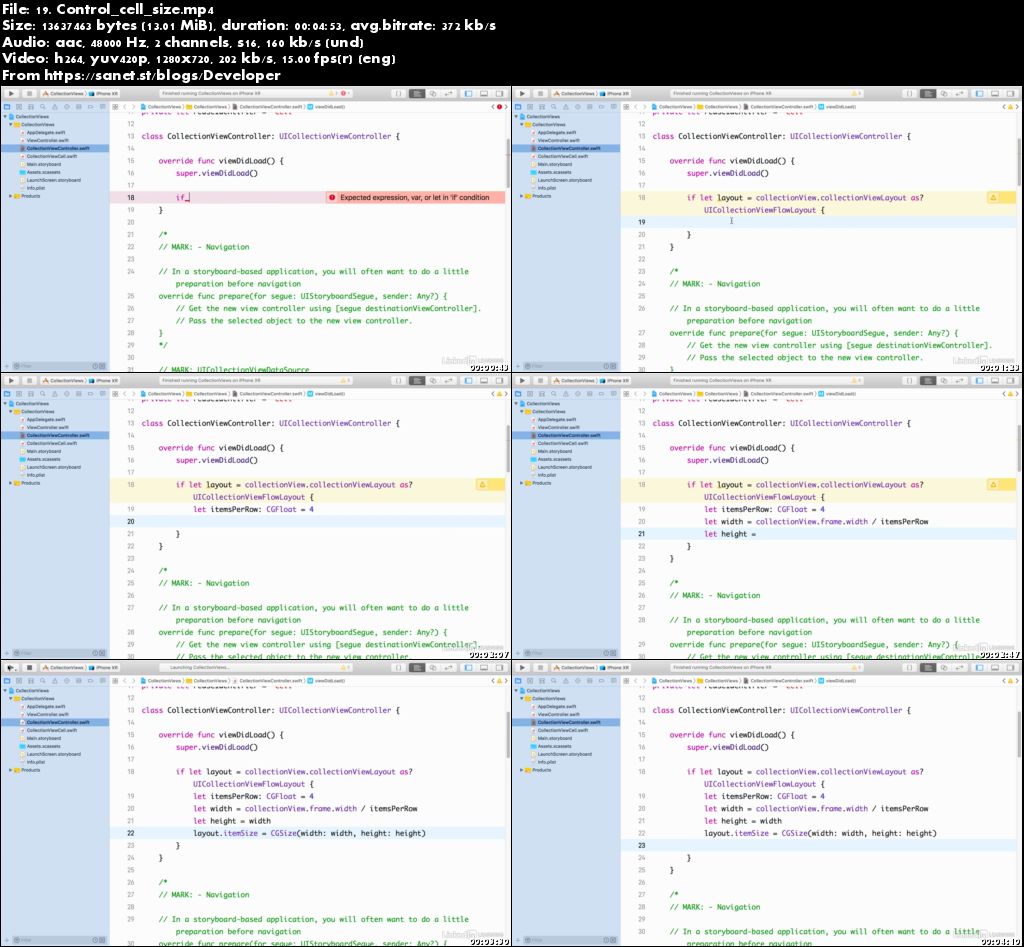
Creating collection view controllers
Creating tabbed apps
Publishing your app with App Store Connect
Screenshots
Quick check before we show the links
Helps us keep automated scrapers from hammering the filehosts.