Mastering Angular, Part 8: Displaying Form Validation Information
This post was published 8 years ago. Download links are most likely obsolete. If that's the case, try asking the uploader to re-upload.
Microsoft Virtual Academy
MP4 | Video:1280x720 | Duration: 2 hours | 725 MB
Genre: eLearning | Language: English
Looking for a comprehensive lesson on alerting users to input errors in Angular (2 or later) apps? Build on what you learned in the previous courses in our Mastering Angular series, especially those on template and reactive forms and form validation.
Explore all the angles, and see a range of techniques, from using CSS to highlight invalid input to displaying validation summaries. Find out what your options are, depending on your anticipated outcome, and learn how to show validation information to the end user. See demos on collecting errors, disabling the submit button, and much more, in this final course of the series.
1 | Mastering Angular, Part 8: Displaying Form Validation Information
Learn to display form validation information, and see a range of techniques, from using CSS to highlight invalid input to displaying validation summaries.
Learn
Learn ways to display error messages in Angular apps and how to stylize those messages.
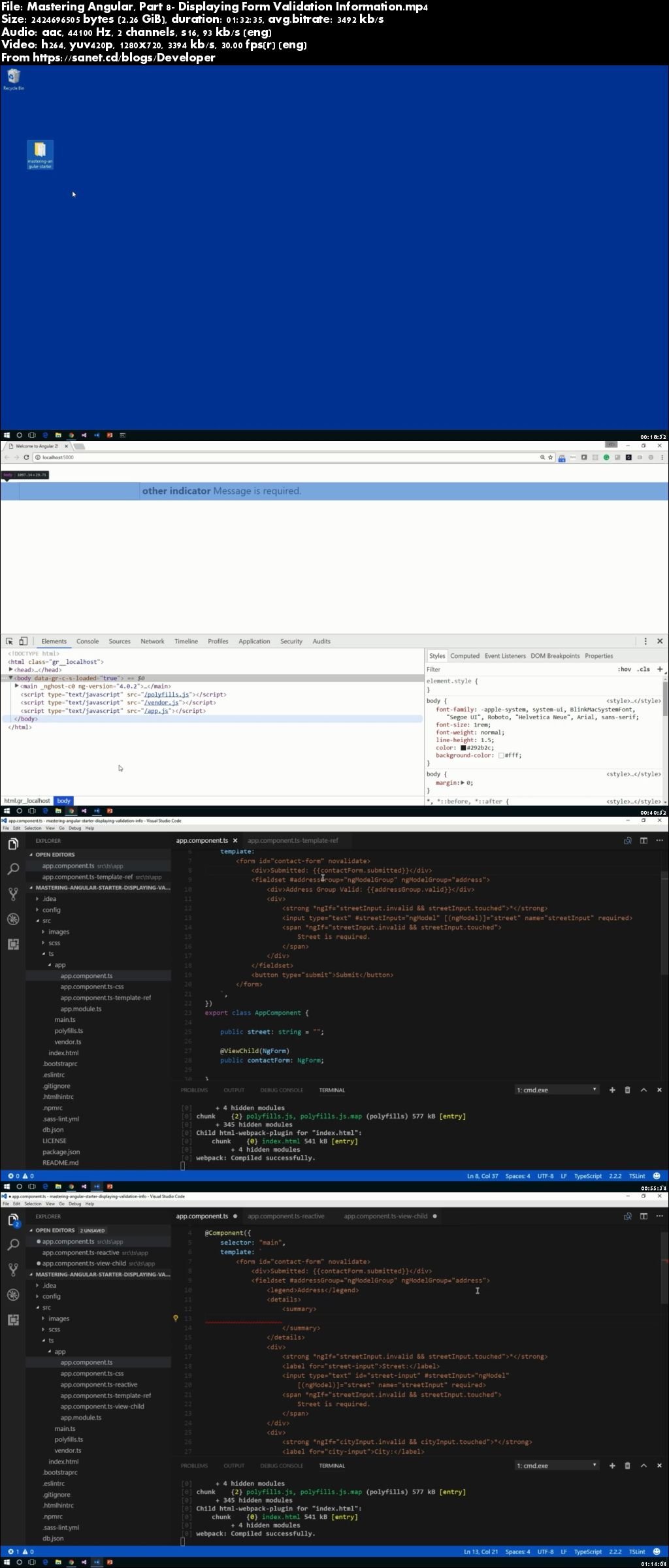
Screenshots
Quick check before we show the links
Helps us keep automated scrapers from hammering the filehosts.