Quick Assist v2.0.30.0
This post was published 2 years ago. Download links are most likely obsolete. If that's the case, try asking the uploader to re-upload.
File Size: 843 KiB (online installer) | Languages: English, Deutsch, Español, Italiano, Português, Français, ...
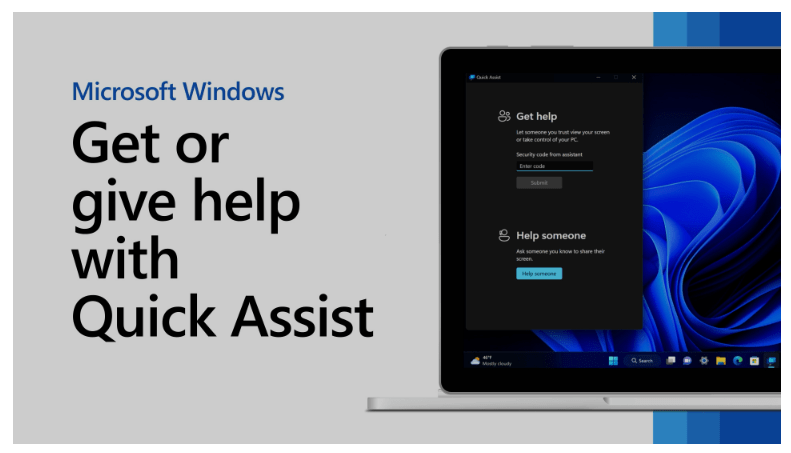
Get or give help with "Quick Assist" over a remote connection.
This is an application from Microsoft.
Alternative to "TeamViewer", etc.
Purpose: "Quick Assist" allows you to provide or receive remote assistance. Whether you’re helping a family member, a friend, or a colleague, you can use this tool to connect to their computer and assist them with troubleshooting or other tasks.
Use a remote connection to view the screen from others or request full control during a session, make annotations, use a laser pointer, and more to help fix computer problems.
Features
Screen Sharing: You can view the other person’s screen in a window on your own computer.
Remote Control: If the other person allows it, you can take full control of their computer remotely.
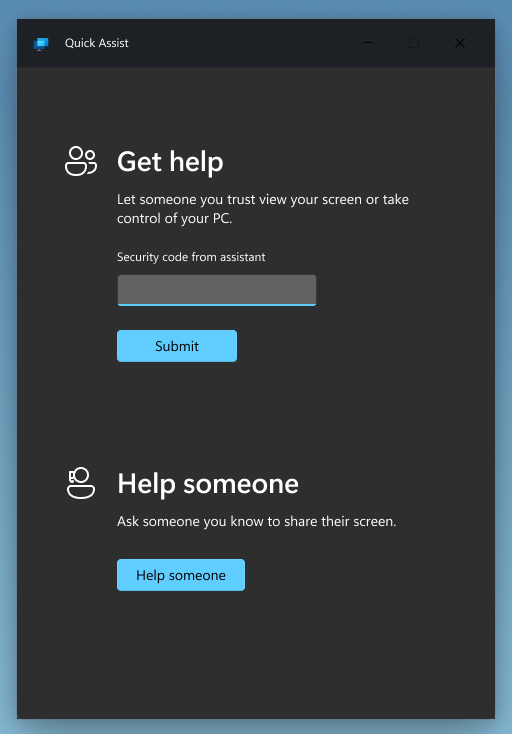
Security Code: "Quick Assist" generates a six-character security code that ensures a secure connection between the helper and the sharer.
Requirements: Windows 10, Windows 11.
Screenshots
Release Notes
Changes inv2.0.30.0: some improvements.
Homepage
Note: If you like this download, please click on the "Say Thank You" button.
Quick check before we show the links
Helps us keep automated scrapers from hammering the filehosts.