Elementor for WordPress - Getting Started
This post was published 5 years ago. Download links are most likely obsolete. If that's the case, try asking the uploader to re-upload.

MP4 | Video: h264, 1280x720 | Audio: AAC, 48000 Hz
Language: English | Size: 1.86 GB | Duration: 2h 5m
Elementor is an effective tool for building anything in WordPress - from entire websites to specific landing pages. This WordPress plugin is an all-in-one solution that can be used with your existing theme or even on its own. This makes Elementor a must-use tool for building amazing WordPress Websites.
In this course, I walk through how to use Elementor from installing it to building your first page. Learn how to build complete websites without knowing any code. Elementor makes it easy to add dynamic elements to your website using its drag and drop page builder. You will learn how to customize sections, columns, and individual elements within Elementor.
I am a website designer with over 20 years of experience. I have been designing websites with WordPress for over 15 years. I have deployed hundreds of customized WordPress websites for Small Businesses and Organizations nationwide. I have been using Elementor to build WordPress websites because it makes it easier to create dynamic websites and cuts down on overhead.
By the end of this course, you will know everything that Elementor for WordPress is capable of doing on its own.
All you need to get started is a WordPress website with Elementor installed.
Thanks for taking my course!
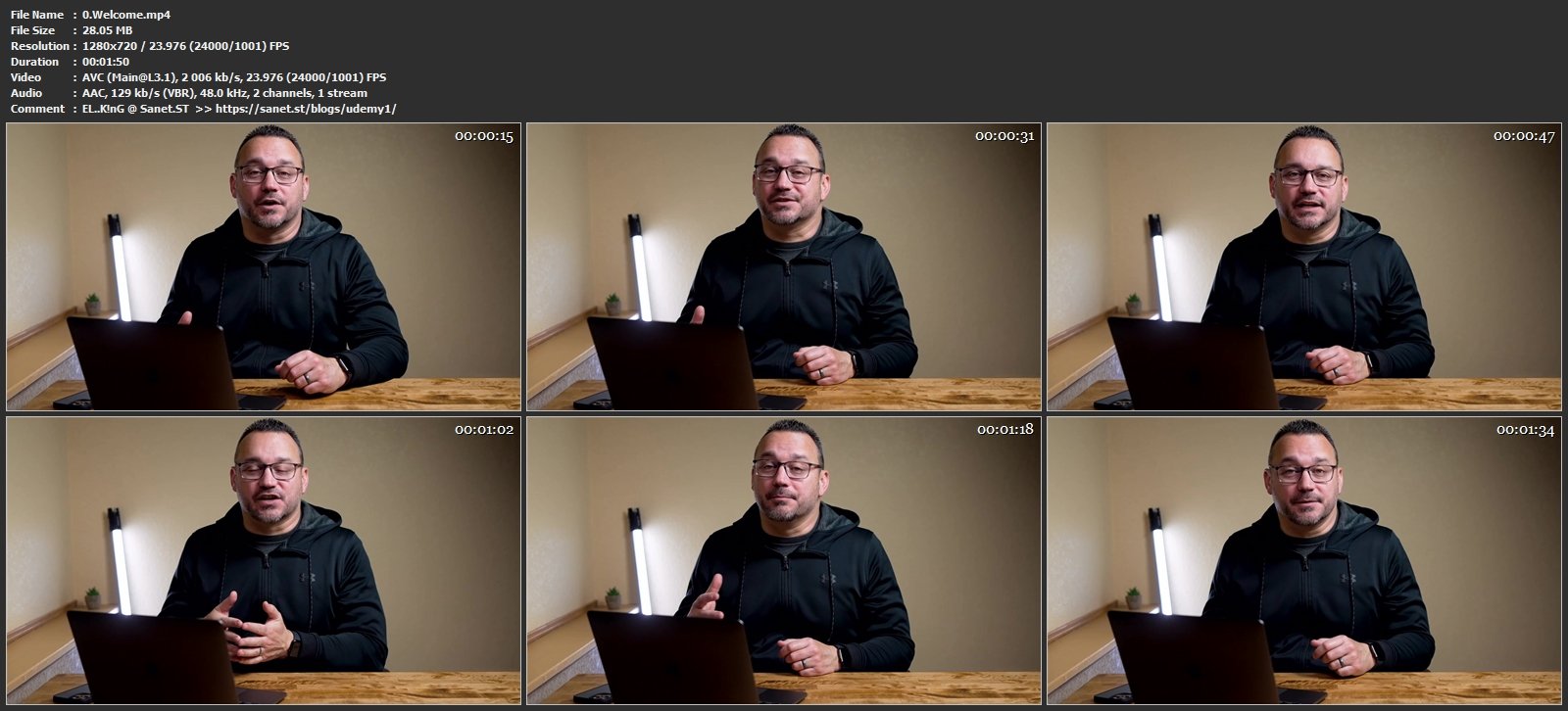
Screenshots
Homepage
Without You And Your Support We Can’t Continue
Thanks For Buying Premium From My Links For Support
Click >> Here & Visit My Blog Daily For More Udemy Tutorial. if You Need Update or Links Dead Don't Wait Just PM Me or Leave Comment at This Post
Quick check before we show the links
Helps us keep automated scrapers from hammering the filehosts.